On this page
Quick answer
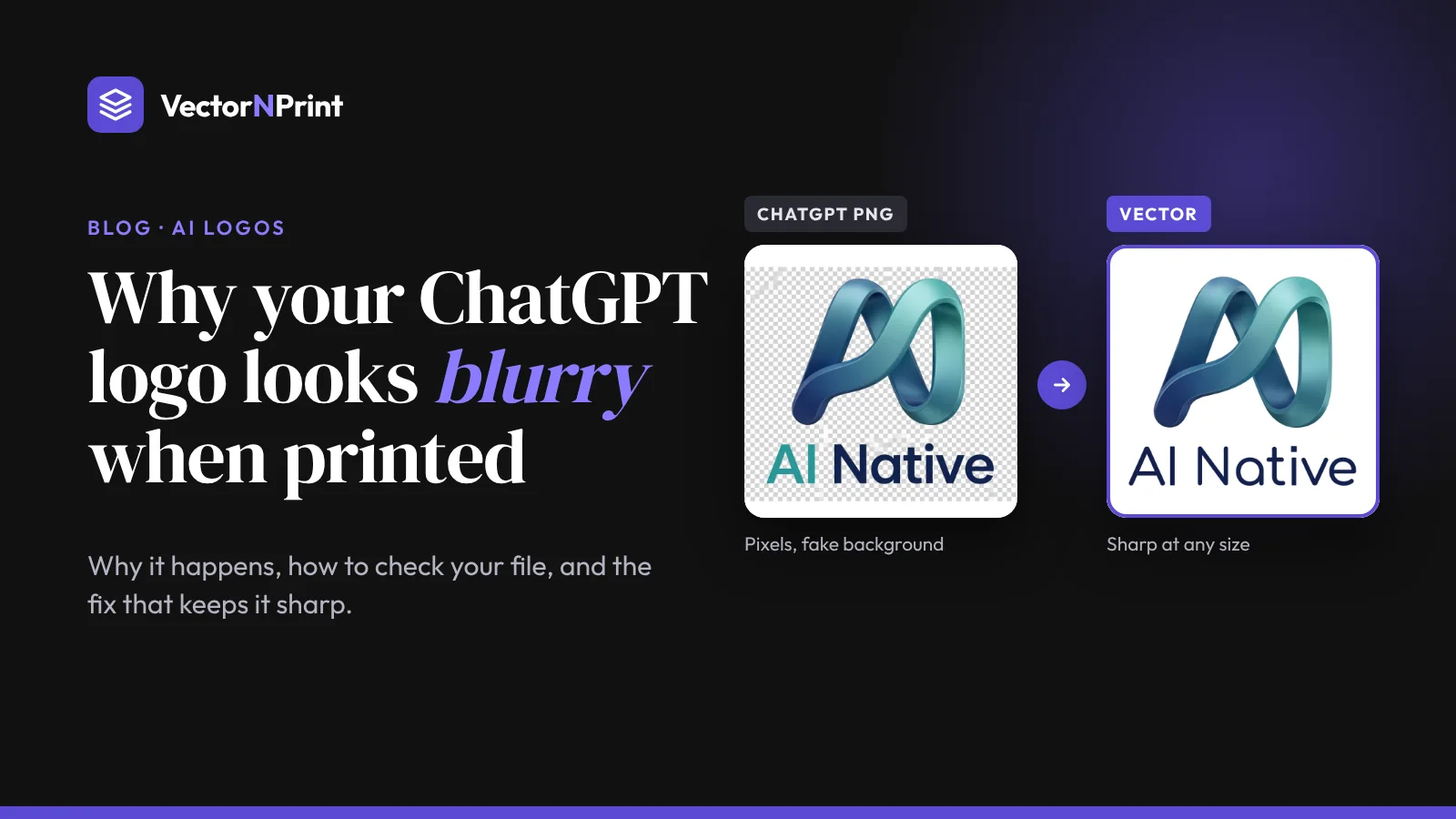
A ChatGPT logo looks blurry in print because it is a small pixel image, usually around 1,000–1,500 pixels across. At print quality (300 DPI) that is only about 3–5 inches wide, so anything bigger gets stretched and soft. The fix is to redraw the logo as a vector file, which stays sharp at any size.
You made a logo in ChatGPT, it looked great on your screen, and then the business cards, banner or T-shirts came back fuzzy. Or your printer simply said "we need a vector file". This guide explains why it happens, how to check your own file, and what actually fixes it.
Key takeaways
- ChatGPT gives you a PNG made of pixels, not a vector. Pixels can't be enlarged without losing sharpness.
- A typical ChatGPT logo prints sharply only up to about 3–5 inches wide.
- Upscalers and auto-trace tools don't truly fix it; a hand redraw as a vector does.
Why ChatGPT logos print blurry
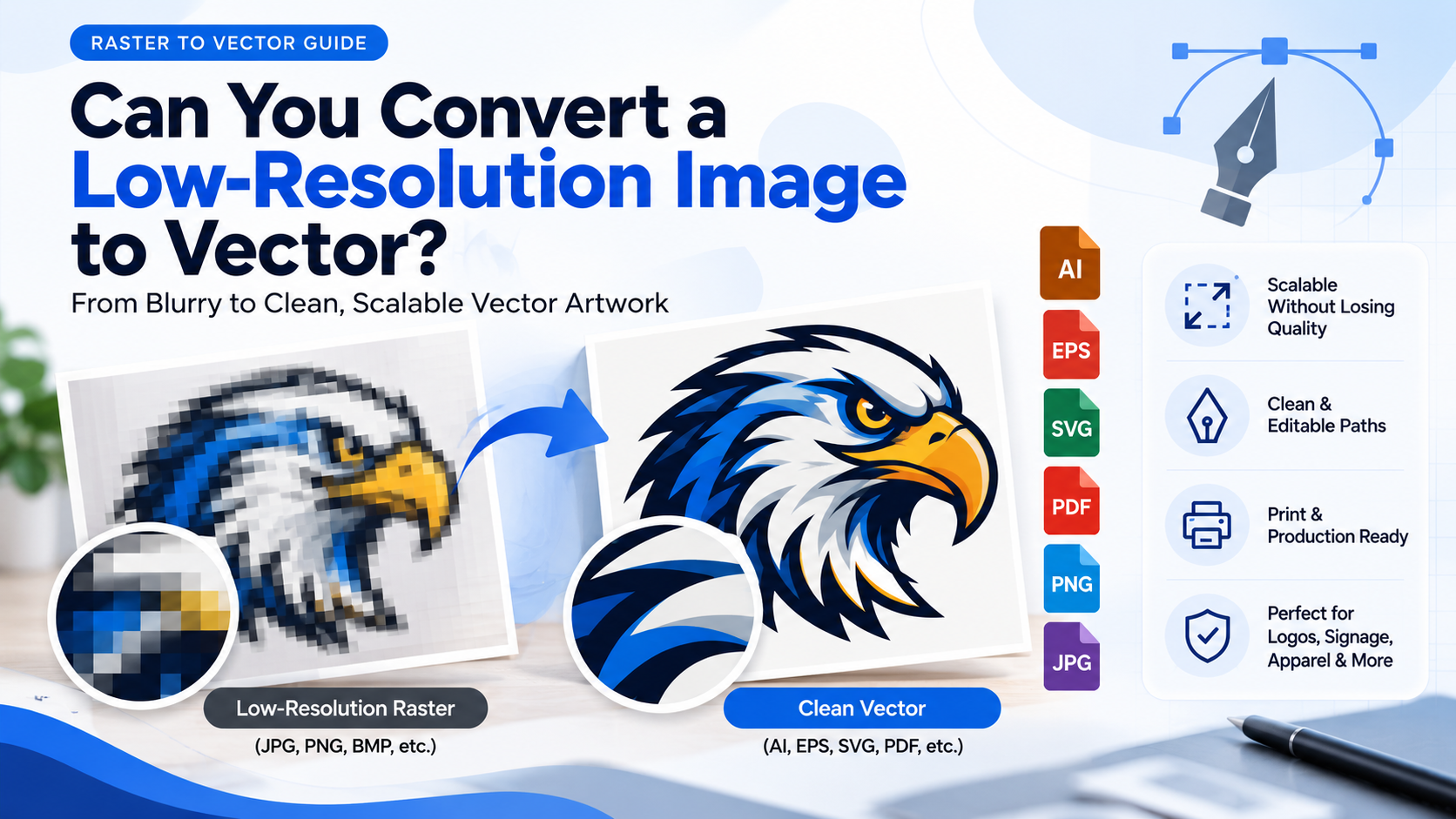
Every image ChatGPT creates is a raster image: a grid of tiny coloured squares called pixels. On a phone or laptop screen those pixels are small enough that the logo looks crisp. Printing is different. Printers need roughly 300 pixels for every inch of the printed size, so a 1,024-pixel logo covers only about 3.4 inches before it starts to stretch.
Stretch it to a 3-foot banner or the back of a shirt and each pixel becomes a visible block. Edges turn soft, small text smudges, and thin lines break up. AI logos make this worse because they are full of soft shading, glows and gradients that blur even faster.
| Where the logo goes | Typical width | Pixels needed at 300 DPI | ChatGPT PNG enough? |
|---|---|---|---|
| Business card | 1.5 in | 450 px | ✓ Usually |
| Flyer or letterhead | 3 in | 900 px | Just about |
| T-shirt front | 10–12 in | 3,000–3,600 px | ✗ No |
| Shop sign or banner | 36 in and up | 10,800 px and up | ✗ No |
Large signs are viewed from a distance and often printed at lower resolution, but even then a ChatGPT PNG is far too small.
Get a free quote → 💬 WhatsApp us
Other problems hiding in a ChatGPT logo
Blur is the most visible issue, but printers often reject AI logos for other reasons too:
- Fake transparent background: the grey-and-white checkerboard is often painted into the image, so it prints as a pattern.
- Misspelled or warped letters: AI tools still get lettering slightly wrong, and you can't edit the text.
- Thousands of colours: soft shading can't be matched to the 1–3 solid inks used for screen printing or embroidery.
- No separate parts: the icon, the text and the background are fused into one picture.
How to check your own file
-
Check the file type
If it ends in .png, .jpg or .webp, it is a pixel image. Downloads from ChatGPT are PNG or WebP.
-
Check the size in pixels
On Windows, right-click the file → Properties → Details. On a Mac, open it in Preview → Tools → Show Inspector. Divide the width by 300 to get the largest sharp print width in inches.
-
Zoom in
Zoom to 400% or more. If the edges look soft or blocky, that is what your printer will see at full size.
Watch outAI upscalers make the pixel image bigger, but it is still pixels: edges stay soft and you still can't edit colours or text. Auto-trace tools (Illustrator's Image Trace, free online vectorizers) turn the shading into blobs and the letters into wobbly shapes. Both can make a print look worse, not better.
Get a free quote → 💬 WhatsApp us
The real fix: redraw it as a vector
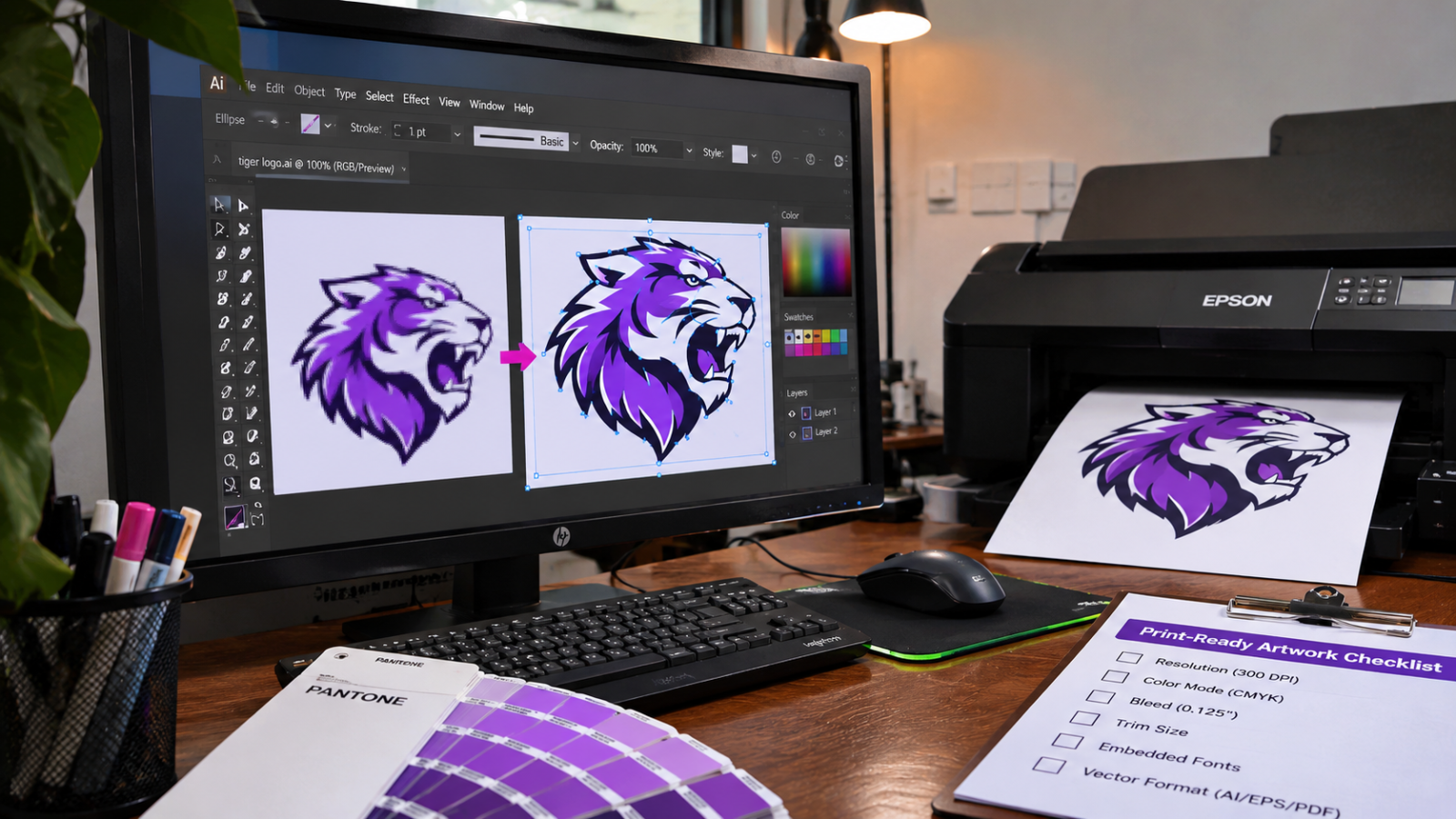
A vector logo is made of shapes and curves stored as maths, not pixels, so it prints just as sharp on a business card as on a billboard. Turning your ChatGPT image into one means redrawing it: a designer rebuilds every shape by hand in Adobe Illustrator, matches or redraws the lettering, fixes spelling slips, and sets clean colours. If you're new to the term, What Is Vector Tracing? explains the process step by step.
Here is what that looks like on a real AI-made logo with 3D shading:
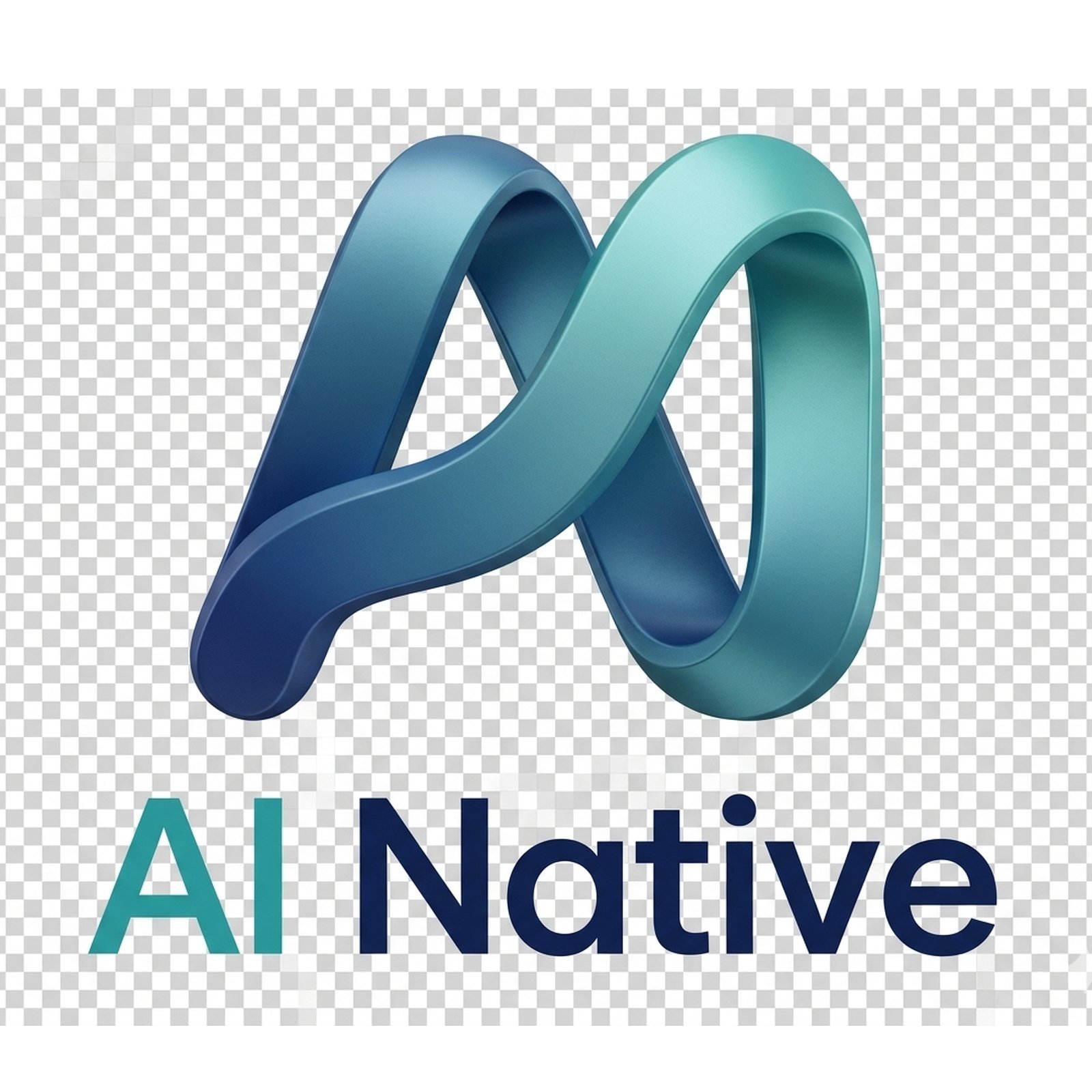
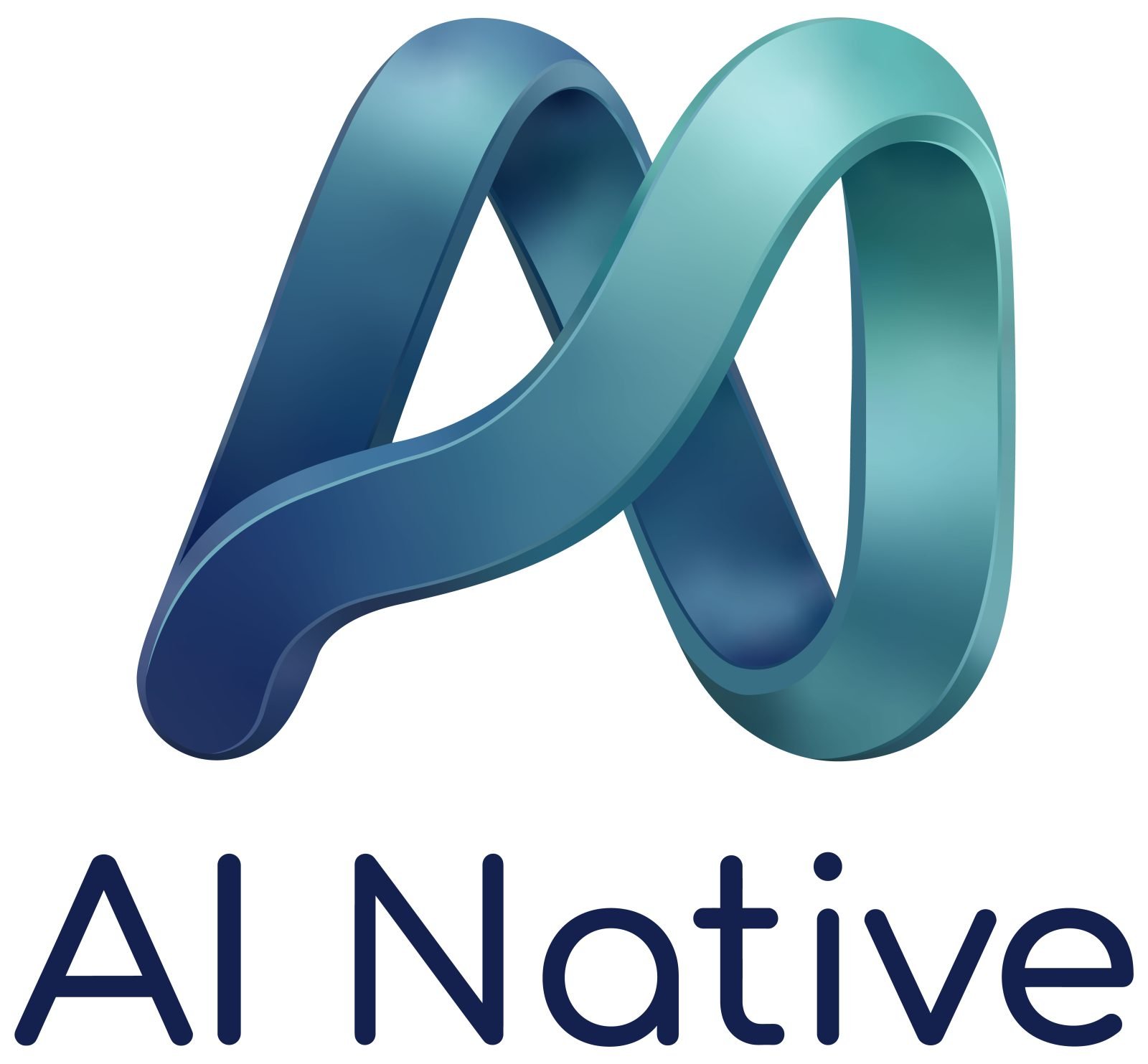 BeforeAfter↔
Need it done for you?
Send us your ChatGPT logo, get a sharp vector back
Redrawn by hand in Adobe Illustrator, same design, ready for print, signs, shirts and embroidery. You get a fixed price before you pay.
What files to ask for
Once your logo is a vector, ask for these, so you never have this problem again:
- AI or EPS for printers, sign makers and embroidery digitizers
- PDF for sending to any print shop
- SVG for your website and cutting machines like Cricut
- Transparent PNG for social media, slides and documents
- A one-colour version if the logo will be screen printed or stitched
Not sure which file goes where? See Which Logo File Format Do I Need? To see what it costs, check our pricing page or AI logo to vector service.
Frequently Asked Questions
Can ChatGPT make a vector logo?
Not a real one. It creates pixel images (PNG or WebP). Some tools wrap an image in an SVG or PDF file, but if the inside is still pixels, it will still print blurry.
Will asking ChatGPT for a bigger image fix it?
Only a little. The largest sizes are still far below what a shirt or sign needs, and the shading, colours and lettering problems stay.
Will my logo look different after the redraw?
No. It is redrawn to match your design: same shapes, colours and layout. Only blur, wobbly edges and spelling slips are fixed, unless you ask for changes.
Can a 3D or gradient ChatGPT logo be vectorized?
Yes. The depth and shine are rebuilt with real vector gradients, and a flat version can be made for screen printing and embroidery. See 3D & gradient logo to vector.
In short
Your ChatGPT logo isn't broken; it is just a small pixel image being asked to do a vector's job. Redraw it once as a proper vector and it will print sharp on everything from business cards to storefronts.