On this page
Which Logo File Format Do I Need: AI, EPS, SVG or PDF?
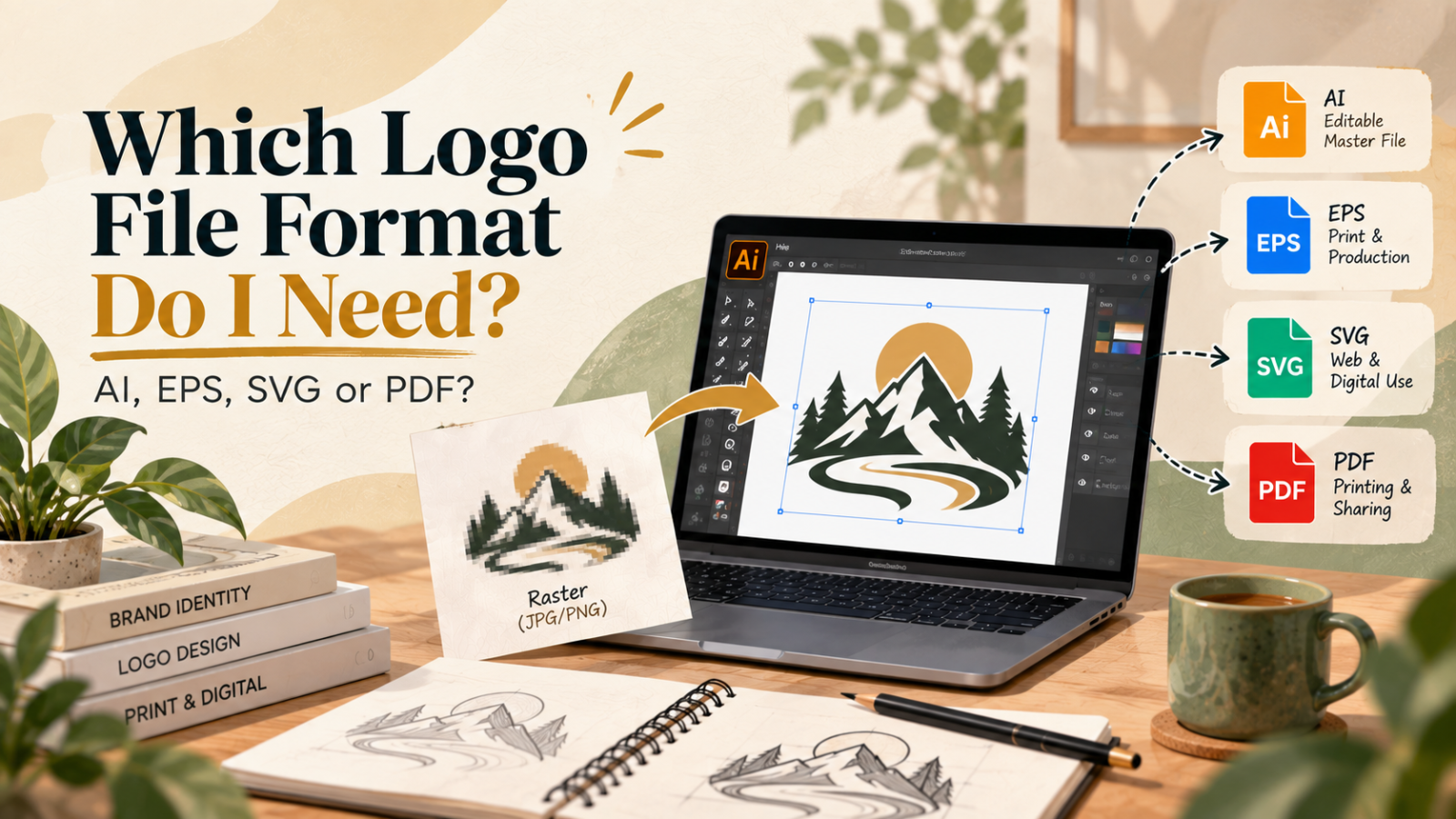
If you are unsure whether you need an AI, EPS, SVG, or PDF logo, the right choice depends on how the logo will be used. AI is ideal for editing, SVG is excellent for websites and digital use, EPS is widely used for professional production, and PDF is convenient for printing and sharing.
But there is one important consideration: the file should contain genuine vector artwork, not simply a JPG or PNG placed inside another file format.
At VectorNPrint, we focus on professional logo vectorization using 100% manual Adobe Illustrator tracing.
Our approach is simple: Zero auto-trace. 100% human precision.
AI vs EPS vs SVG vs PDF: What's the Difference?
| Format | Best For | Main Advantage |
|---|---|---|
| AI | Editing & design | Editable Illustrator master |
| EPS | Print & production | Broad production compatibility |
| SVG | Websites & digital | Scalable and lightweight |
| Printing & sharing | Easy to view and print |
AI: The Best Editable Master
AI (Adobe Illustrator) is generally the preferred format when a designer needs to edit the logo later.
It is useful for changing colors, modifying shapes, adjusting typography, or creating new brand variations. If you convert logo to vector and want a master file for future design work, AI is an excellent choice.
EPS: Reliable for Professional Production
EPS is a traditional vector format commonly accepted by printers, sign companies, apparel suppliers and other production businesses.
If your printer specifically requests EPS, provide the EPS version of your vector artwork. It is particularly useful when your logo will be used across different production workflows.
SVG: Ideal for Websites
SVG (Scalable Vector Graphics) is highly useful for websites, applications, icons and digital interfaces.
A properly created SVG can scale without becoming pixelated. This makes it an excellent format when you turn logo into vector artwork for digital applications.
PDF: Useful for Printing and Sharing
PDF is convenient when you need to send artwork to a client, printer or production company.
However, a PDF does not automatically mean the artwork is vector. A JPG logo placed inside a PDF is still a raster image.
This is why a pdf logo to vector conversion may still be necessary when the PDF contains low-quality raster artwork.
What If You Only Have a JPG or PNG Logo?
If your original logo is a small JPG, PNG, screenshot or blurry image, changing the file extension will not make it a vector.
This is where logo vector tracing becomes important.
A professional logo tracing service recreates the artwork using clean vector paths rather than simply enlarging pixels. This process can be used for raster logo to vector, jpg logo to vector, and png logo to vector projects.
If you are searching for vectorize my logo because your existing artwork looks blurry when enlarged, the correct solution is usually to redraw logo as vector rather than simply upscale the image.
When Do You Need Professional Logo Vectorization?
Professional help becomes especially useful when the original artwork is:
- Low resolution
- Pixelated or blurry
- Missing important details
- Available only as a screenshot
- Difficult to edit
- Needed for large-format printing
A low resolution logo to vector project requires careful reconstruction of curves, shapes, spacing, typography and small details.
At VectorNPrint, our manual logo vectorization process focuses on preserving the existing logo rather than redesigning it. We can clean up logo and vectorize artwork while maintaining the original proportions, appearance and important details.
Logo Redraw vs Automatic Tracing
Automatic tracing can create excessive anchor points, uneven curves and unwanted shapes.
A professional logo redraw gives greater control over the final artwork. Whether you need a custom logo redraw, logo cleanup and vectorization, or complete logo vector conversion, the goal is clean, editable and production-ready artwork.
Our logo digitization vector process is designed for practical production requirements including printing, signage, apparel, embroidery and digital applications.
With more than 7 years of experience and 2,500+ projects delivered, VectorNPrint provides professional logo redraw and vector artwork created manually in Adobe Illustrator.
Zero auto-trace. 100% human precision.
Which Logo Format Should You Keep?
Ideally, keep multiple versions of your master logo:
Editable Source
Best for future editing and professional design work.
Production
Useful for professional printing and production workflows.
Digital
Ideal for websites, applications and digital interfaces.
Print & Sharing
Convenient for printing, reviewing and sharing artwork.
If you need to vectorize a logo, the goal should not simply be to obtain another file extension. The artwork itself should be properly constructed as vector artwork.
Need to Convert Your Logo to a Vector File?
If you have a JPG, PNG, screenshot or low-resolution logo, VectorNPrint can convert logo to vector file using a manual Adobe Illustrator workflow.
Our logo to vector service is built around clean paths, accurate proportions and production-ready artwork—not automatic tracing.
Whether you need to vectorize a logo, recreate an old brand mark, or prepare artwork for professional production, the final files can be supplied in the formats your workflow requires.
Explore Logo Vectorization Service