On this page
- Why images need tracing
- How vector tracing works, step by step
- Manual tracing vs auto-trace
- What can be vector traced?
- Tracing is not redesigning
- When do you need vector tracing?
- Vector tracing vs Image Trace in Illustrator
- Vector tracing, vectorizing, redrawing: is it all the same?
- How much does vector tracing cost, and how long does it take?
- Vector tracing examples
- Should you trace artwork you do not own?
- Who uses vector tracing?
- What to send for vector tracing
- Frequently Asked Questions
- Get your artwork traced by hand
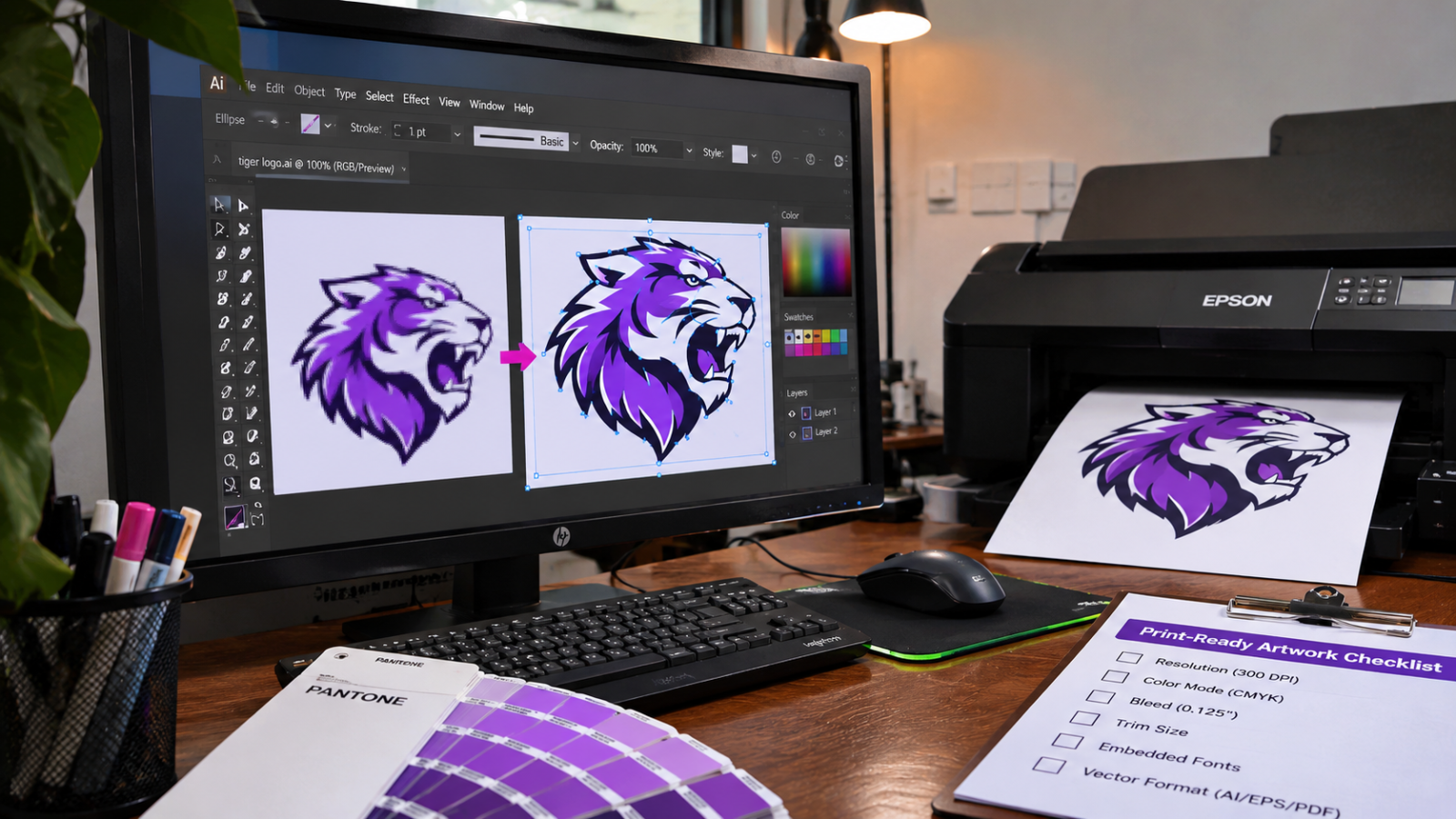
Vector tracing is redrawing an image as vector shapes: outlines, curves and fills that a computer stores as maths instead of pixels. The traced version looks the same as the original, but it stays sharp at any size and every part can be edited. It is how a blurry JPG logo, a screenshot or a hand sketch becomes a file a printer, sign maker or embroiderer can actually use.
Why images need tracing
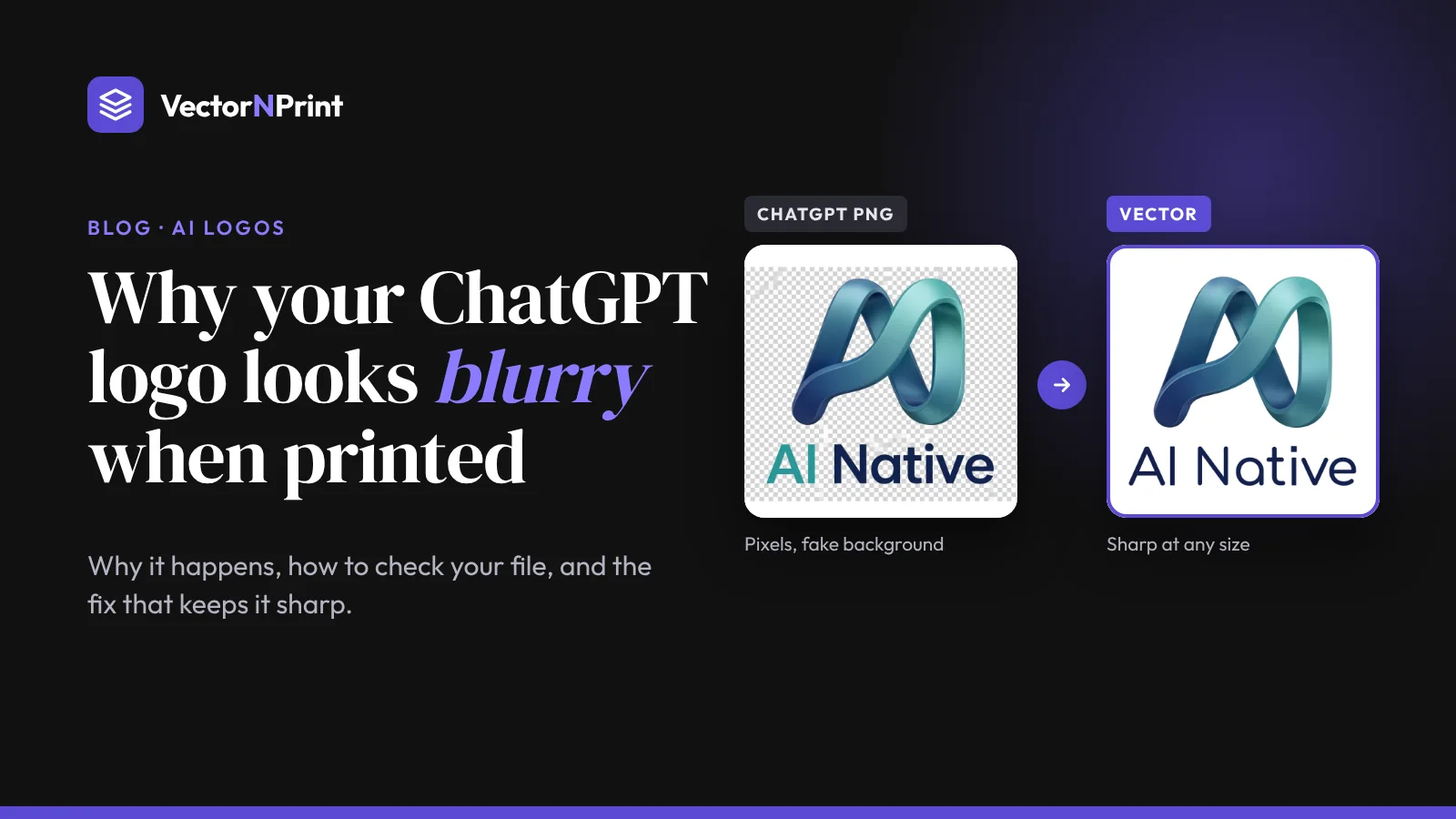
Most logos people have today are raster images: JPG or PNG files made of pixels. That works on a screen, but it causes problems as soon as the logo has to be made bigger or produced on something physical:
- Enlarge it for a banner or a shirt and the edges turn blurry or blocky.
- You cannot change one colour, remove the background cleanly or pull out the icon.
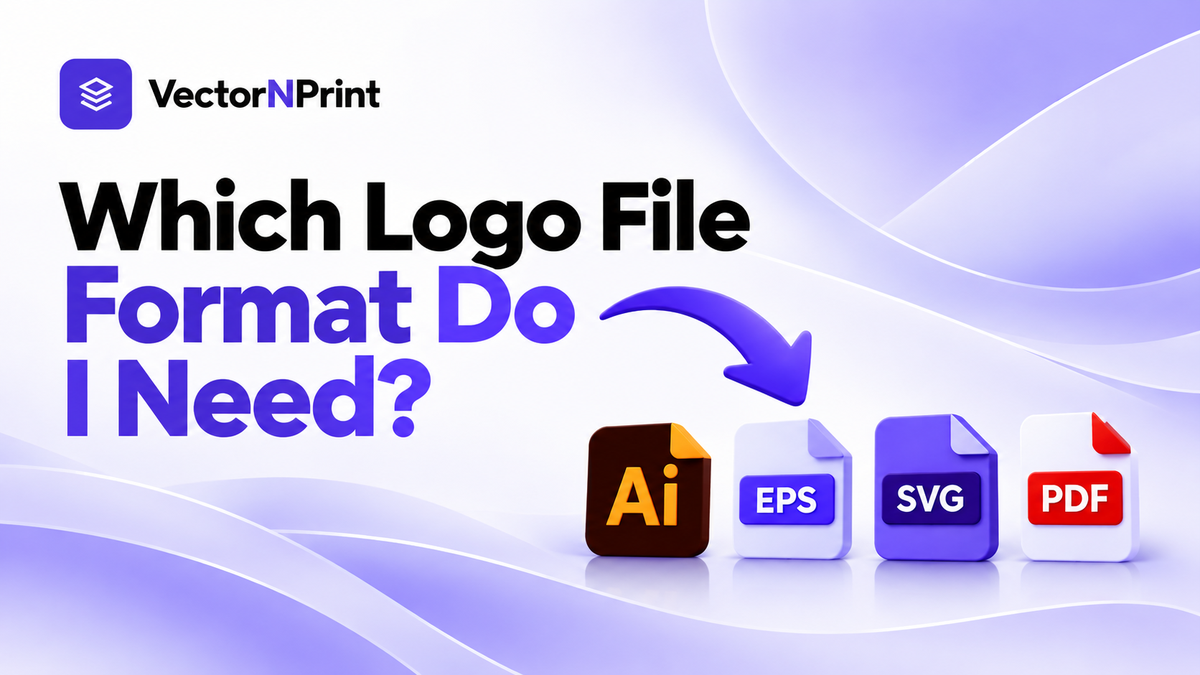
- Printers, vinyl cutters and embroidery digitizers ask for a vector file (AI, EPS, SVG or PDF) and send back a pixel image.
Tracing solves this by rebuilding the artwork as vector paths. If you are unsure what those file types are, see Vector File Formats Explained.
How vector tracing works, step by step
- Study the original. The designer checks the shapes, the lettering and the colours, and asks about anything the blur hides instead of guessing.
- Draw the shapes. Using the pen tool in a program such as Adobe Illustrator, each shape is drawn as a path with as few points as possible, so curves come out smooth.
- Rebuild the text. The font is matched when it can be found; otherwise the letters are redrawn by hand. Text is then converted to outlines so it looks the same on every computer.
- Set the colours. Colours are picked as clean, solid values (and gradients where the design has them), with CMYK or Pantone versions for print when needed.
- Check against the original. The new vector is laid over the original to make sure proportions and spacing match.
- Export the files. Usually AI, EPS, SVG, PDF and a transparent PNG, plus colour, black and white versions.
Manual tracing vs auto-trace
Programs can trace automatically (Illustrator's Image Trace and online "vectorizers"). They are quick and free, and fine for rough drafts or simple, high-contrast shapes. On real logos they usually produce wobbly edges, blobs where there should be smooth curves, broken letters and hundreds of extra points that make the file hard to edit.
Manual tracing means a person draws every path. It takes longer, but the result is clean enough to print large, cut in vinyl or stitch. We compare both in detail in Manual Vectorization vs Auto Trace.
What can be vector traced?
- Logos saved as JPG or PNG, taken from a website, or copied off an old business card
- AI-made logos from ChatGPT, Gemini, Grok or Canva, including ones with gradients and 3D effects
- Sketches and hand lettering drawn on paper
- Screenshots and low-resolution images, as long as the shapes can still be made out
- Illustrations, crests and badges for apparel, signs and packaging
Photos can be traced as a stylised illustration, but not turned into a vector that looks exactly like the photo.
Tracing is not redesigning
A trace copies your logo as it is: the same shapes, proportions and colours. It only removes the problems of the old file, such as blur, jagged edges and uneven lines. Changes to the design itself are a separate request, which keeps the logo your customers already know.
When do you need vector tracing?
- A printer, sign shop or embroiderer has asked you for a vector file.
- The original designer is gone and only a JPG or PNG is left.
- Your logo came from an AI tool and needs to go on shirts, signs or packaging.
- You want colour, black and white versions, or an SVG for your website.
To see what it costs, read How Much Does It Cost to Vectorize a Logo?
Vector tracing vs Image Trace in Illustrator
"Image Trace" is the name of Adobe Illustrator's automatic tracing tool, so the two terms often get mixed up. Image Trace is a button: the software guesses the shapes from the pixels in a few seconds. Vector tracing, in the professional sense, usually means a person redrawing the artwork by hand with the pen tool. Image Trace is a handy starting point for simple shapes. For logos, lettering and anything that has to match the original exactly, hand tracing gives far cleaner results.
Vector tracing, vectorizing, redrawing: is it all the same?
Mostly, yes. People use several words for the same job:
- Vector tracing or vector conversion: turning a pixel image into vector shapes.
- Vectorizing (or vectorising): the same thing, often used for logos.
- Redrawing or recreating: stresses that the shapes are drawn again by hand rather than auto-traced.
- Raster to vector: the technical name for the same process.
Whatever word you use, ask one question: is it done by hand, or by software? That decides the quality of the file you get back.
How much does vector tracing cost, and how long does it take?
At VectorNPrint, vector tracing starts from $35 for a simple logo, most logos are $65, and detailed artwork is $95. Larger or unusual jobs get a free custom quote. Time depends on the detail in the artwork, so we tell you the delivery time with your quote, before you pay. For a full breakdown, see how much it costs to vectorize a logo.
Vector tracing examples
The easiest way to understand vector tracing is to see it. Our logo before and after portfolio shows real client files next to the traced vectors: blurry JPGs, AI-made logos, sketches, lettering and line art, each with a zoomed-in detail.
Should you trace artwork you do not own?
Only trace artwork that you own or have permission to use, such as your own business logo, a logo your company paid for, or artwork from a client who owns it. Tracing a logo does not change who owns the design. If you are unsure, check before ordering.
Who uses vector tracing?
- Small businesses whose only logo file is a JPG, a screenshot or an old business card.
- People with AI-made logos from ChatGPT, Gemini, Grok or Canva AI who now need print files.
- Print shops and sign makers who receive unusable files from customers and need them rebuilt.
- Embroidery digitizers who want a clean vector to digitize from.
- T-shirt and merch sellers who need artwork ready for screen printing, DTF or vinyl.
What to send for vector tracing
- The clearest copy you have, even if it is blurry or a photo.
- What the file is for: shirts, signs, embroidery, print or web.
- Any colour codes (HEX, CMYK or Pantone) and the font name, if you know them.
- Any versions you need: colour, black, white or icon only.
Want it done for you? See our vector tracing services: manual, hand-drawn vector art for print, embroidery and the web.
Frequently Asked Questions
What does vector tracing mean?
It means redrawing an image as vector shapes, so it can be scaled to any size and edited, while still looking the same as the original.
Is vector tracing the same as Image Trace?
Not quite. Image Trace is Illustrator's automatic tool. Professional vector tracing usually means redrawing by hand, which gives cleaner shapes and accurate lettering.
What files do I get after vector tracing?
Usually AI, EPS, SVG and PDF vector files plus a transparent PNG, often in colour, black and white versions.
Can any image be vector traced?
Logos, lettering, icons, sketches, line art and patterns trace well. Detailed photographs are not really vector material, but they can be turned into a vector illustration.
Can you trace a logo made with ChatGPT or Canva AI?
Yes. AI-made logos are pixel images, so they need tracing before printing. We redraw them by hand, keeping the design exactly as it is.
Get your artwork traced by hand
At VectorNPrint every file is traced manually in Adobe Illustrator, with no auto-trace. Send the clearest version you have and say what it is for; you get a fixed price before paying, and we reply as soon as possible. See our manual vector tracing service.