✍ Plain-English guides for AI-made, blurry and print-ready logos
Vector Print Guides: AI Logos, Logo File Types & Print Ready Files
Plain-English vector print guides from a studio that redraws logos by hand in Adobe Illustrator: 7+ years, 2,500+ projects, 5.0 on Fiverr. Got a logo from ChatGPT, Gemini, Grok or Canva AI, or a blurry screenshot that looks bad at print size?
17+
Plain-English guides
4
Print and file topics
Free
To read, no sign-up
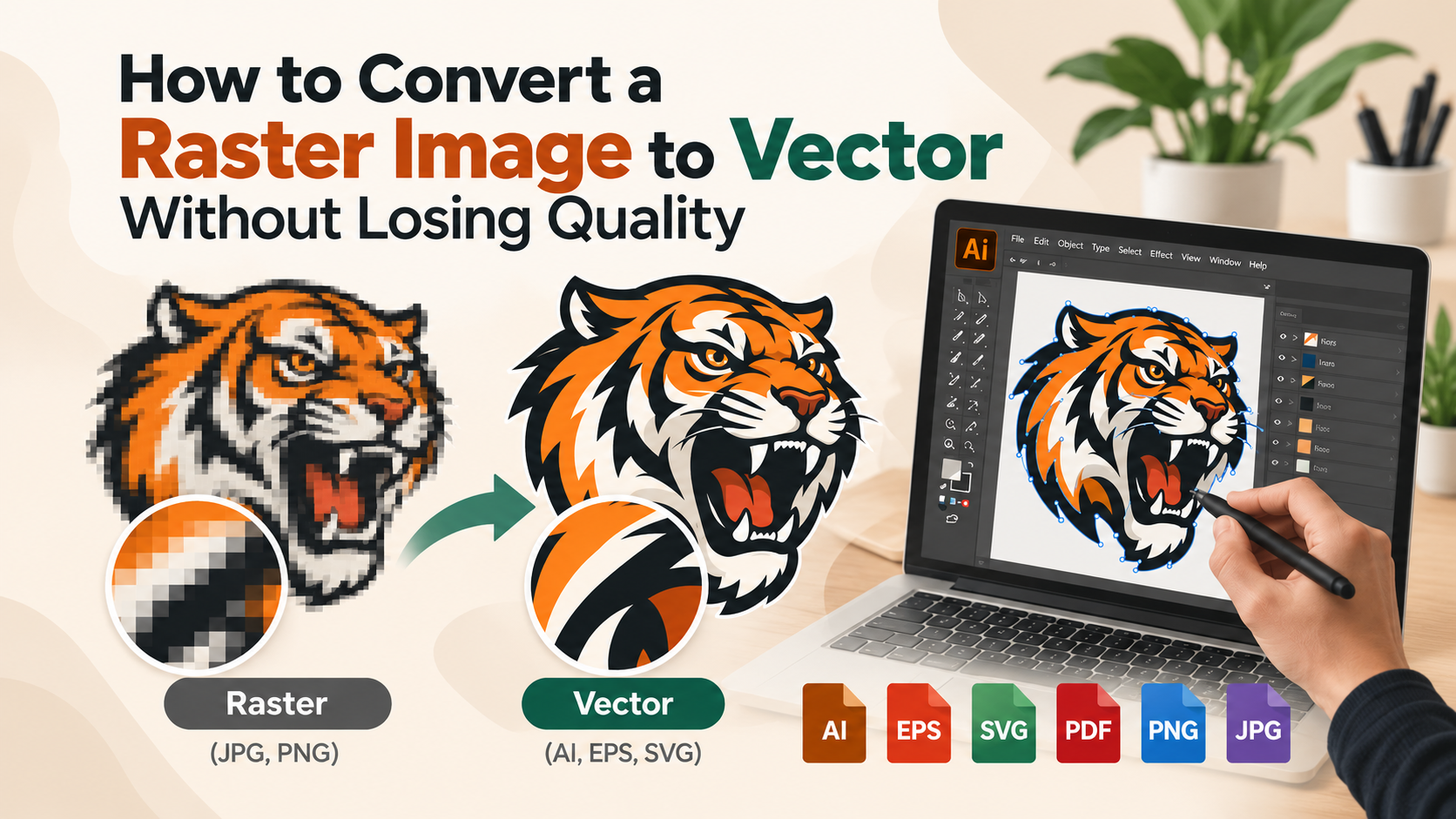
How to Convert a Raster Image to Vector Without Losing Quality
Learn how to convert a raster image to vector without losing quality. Compare Illustrator Image Trace with manual vector…
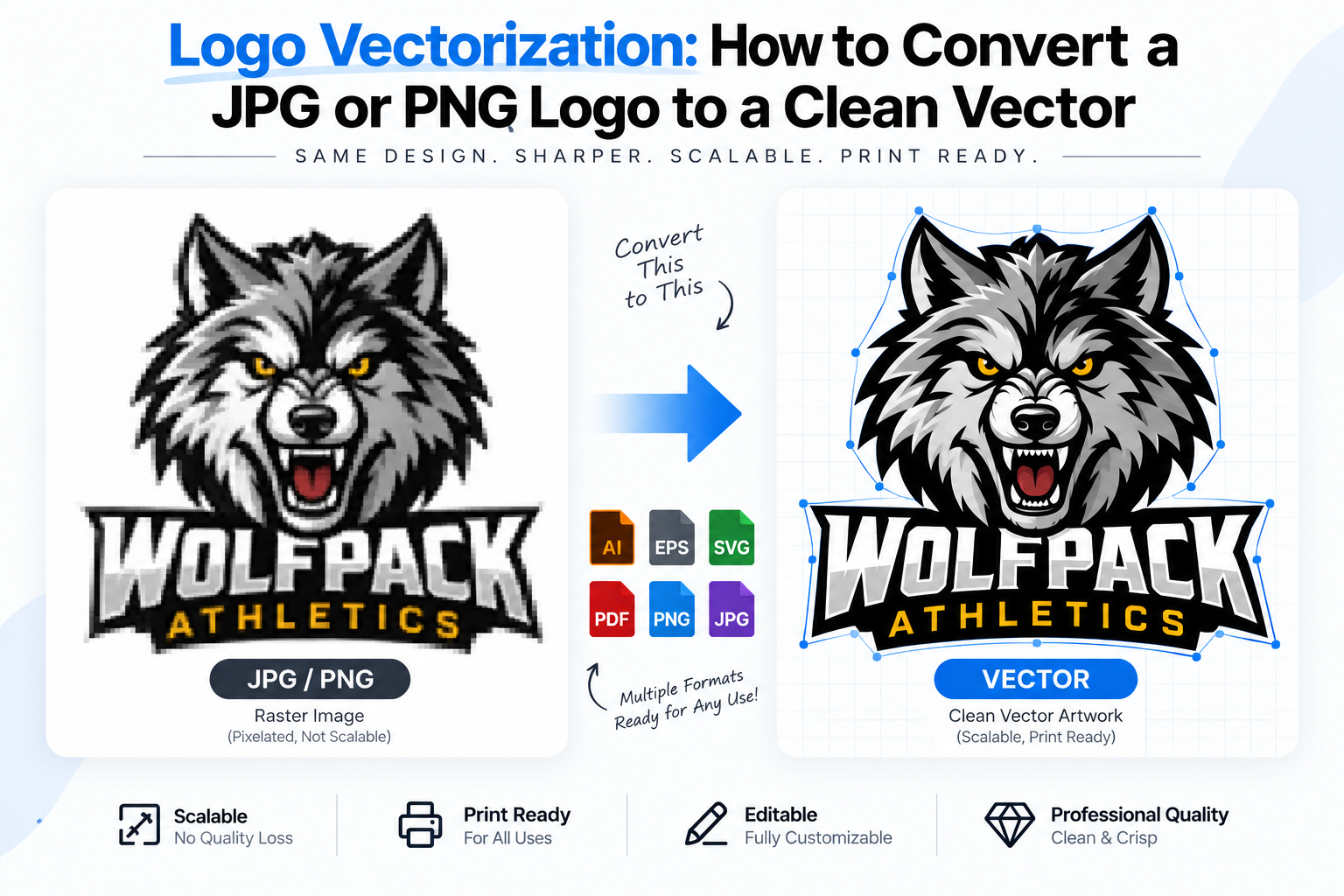
How to Convert a JPG or PNG Logo to a Clean Vector
Learn how logo vectorization converts JPG or PNG artwork into clean, scalable vector files for printing, embroidery, sig…
Vector File Formats Explained: AI, EPS, SVG, PDF & PNG
What AI, EPS, SVG, PDF and PNG files really are, how vector and raster differ, and how to check whether your logo is a r…
What Is Vector Tracing? A Plain-English Guide
What vector tracing is, how it works step by step, manual tracing vs auto-trace, and when your logo or artwork needs it.…
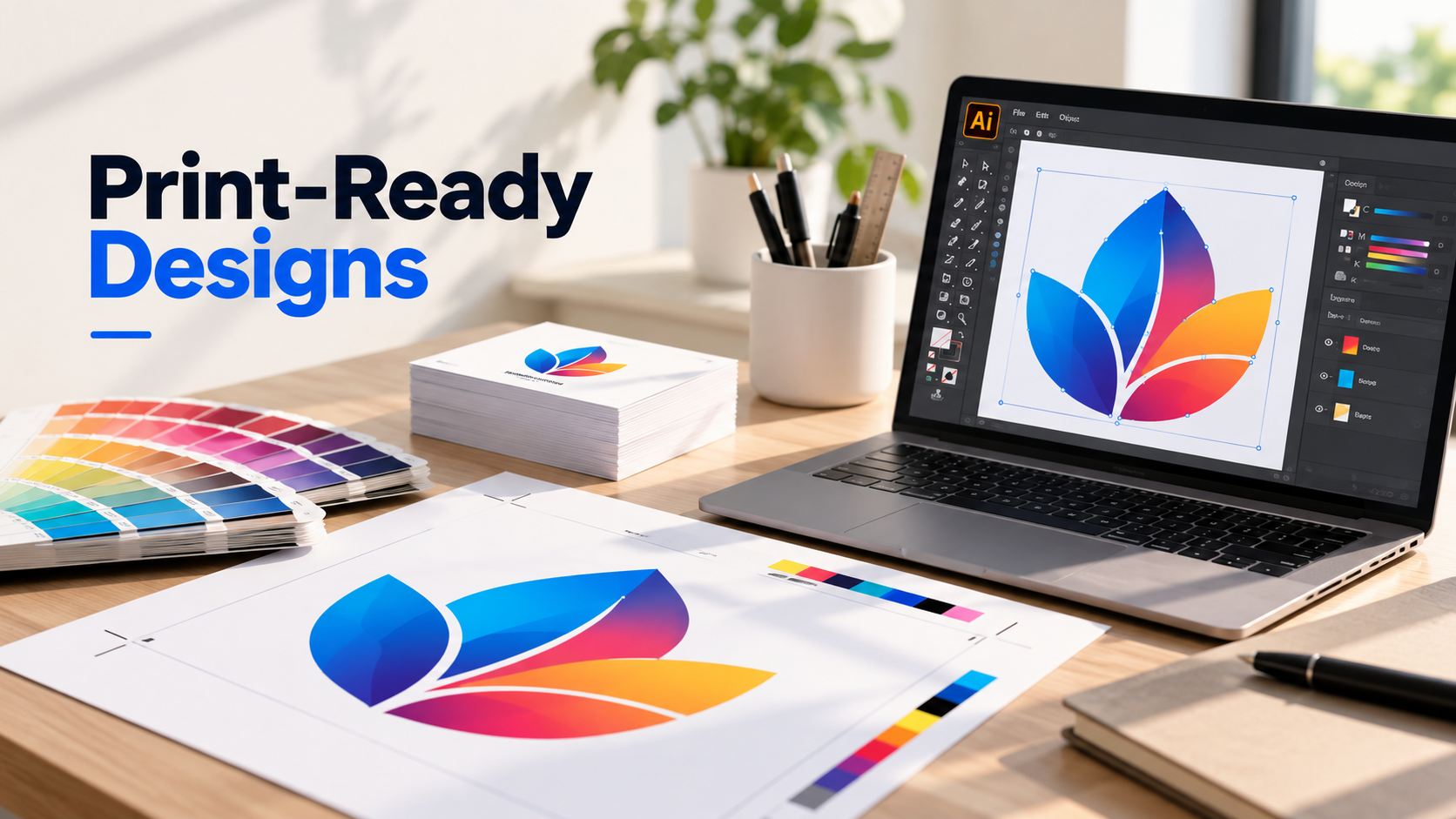
How to Prepare Print-Ready Artwork: Complete Checklist
Learn how to properly prepare print-ready designs to ensure accurate colors, sharp quality, and smooth printing without …
7 Vector File Mistakes to Avoid for Perfect Print Results
Avoid costly printing errors by learning the most common vector file mistakes and how to fix them before sending your de…