Vector Print Guides: AI Logos, Logo File Types & Print Ready Files
Plain-English vector print guides from a studio that redraws logos by hand in Adobe Illustrator: 7+ years, 2,500+ projects, 5.0 on Fiverr. Got a logo from ChatGPT, Gemini, Grok or Canva AI, or a blurry screenshot that looks bad at print size?
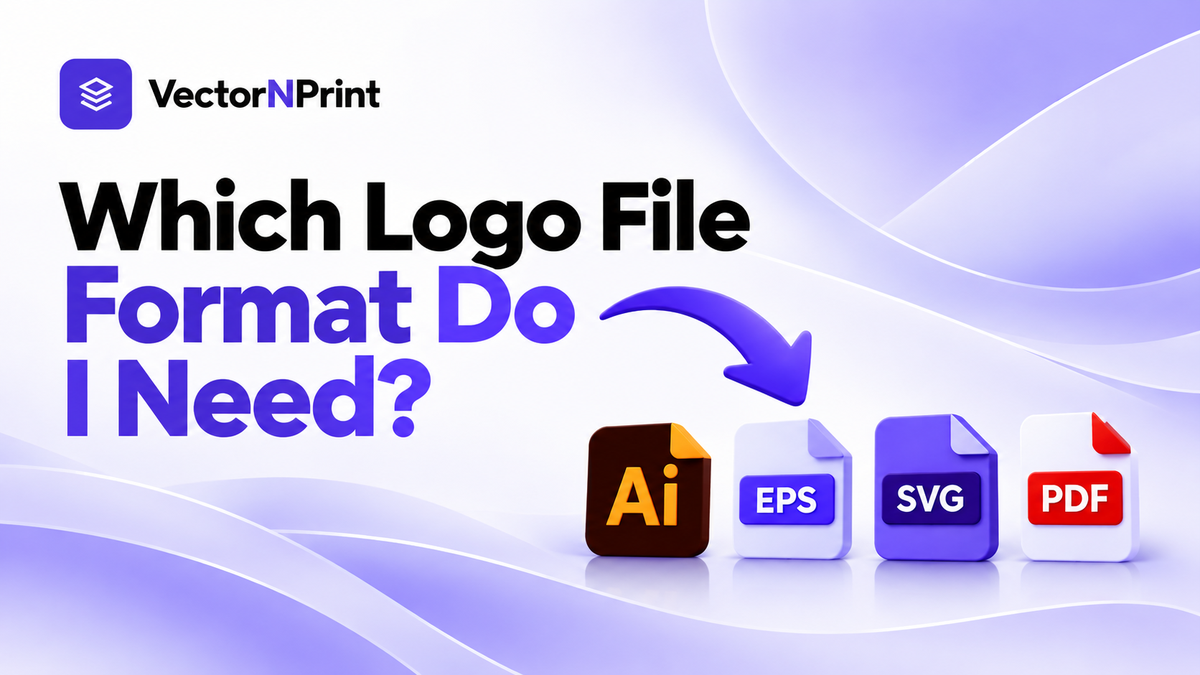
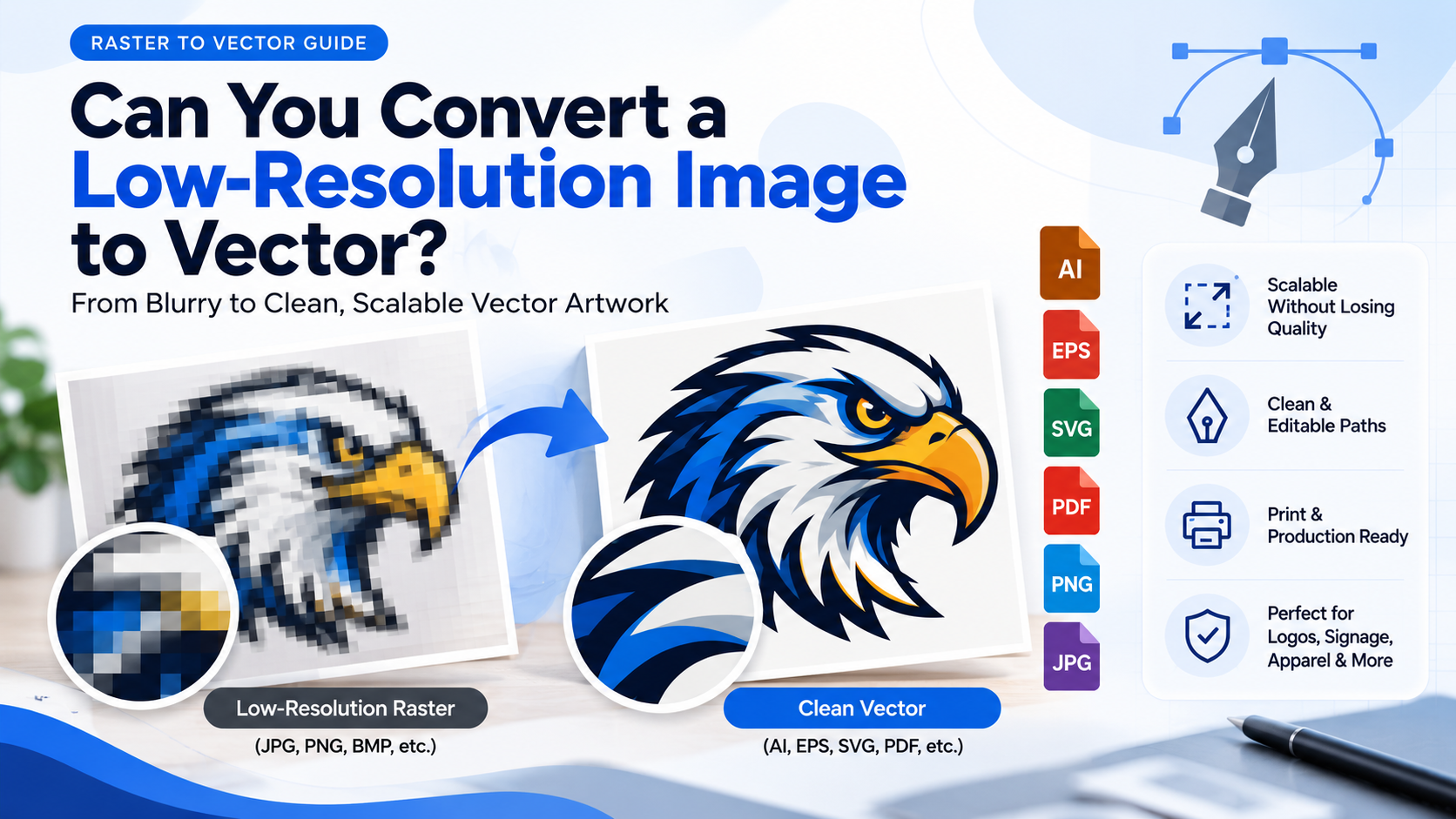
Learn how to vectorize a logo without changing the look, and why auto-trace gives you wobbly lines. See which logo file formats your printer, sign shop or embroiderer really needs: AI, EPS, SVG, PDF or a 300 DPI PNG. Get vector files for printing business cards, packaging and signs. Learn how to set up a vector file for screen printing, DTF or embroidery. We also cover full logo kits with colour, black, white and icon-only versions, and what this work costs. Not sure what you need? Ask for a free quote. We reply as soon as possible.
Most print problems start with the wrong file. A logo that looks fine on screen turns blurry on a shirt, a sign or a business card, because it is a picture made of pixels, not a vector. These guides explain the difference in plain English, so you know what to send your printer and what to ask your designer for.
What is a vector file? Vector vs raster
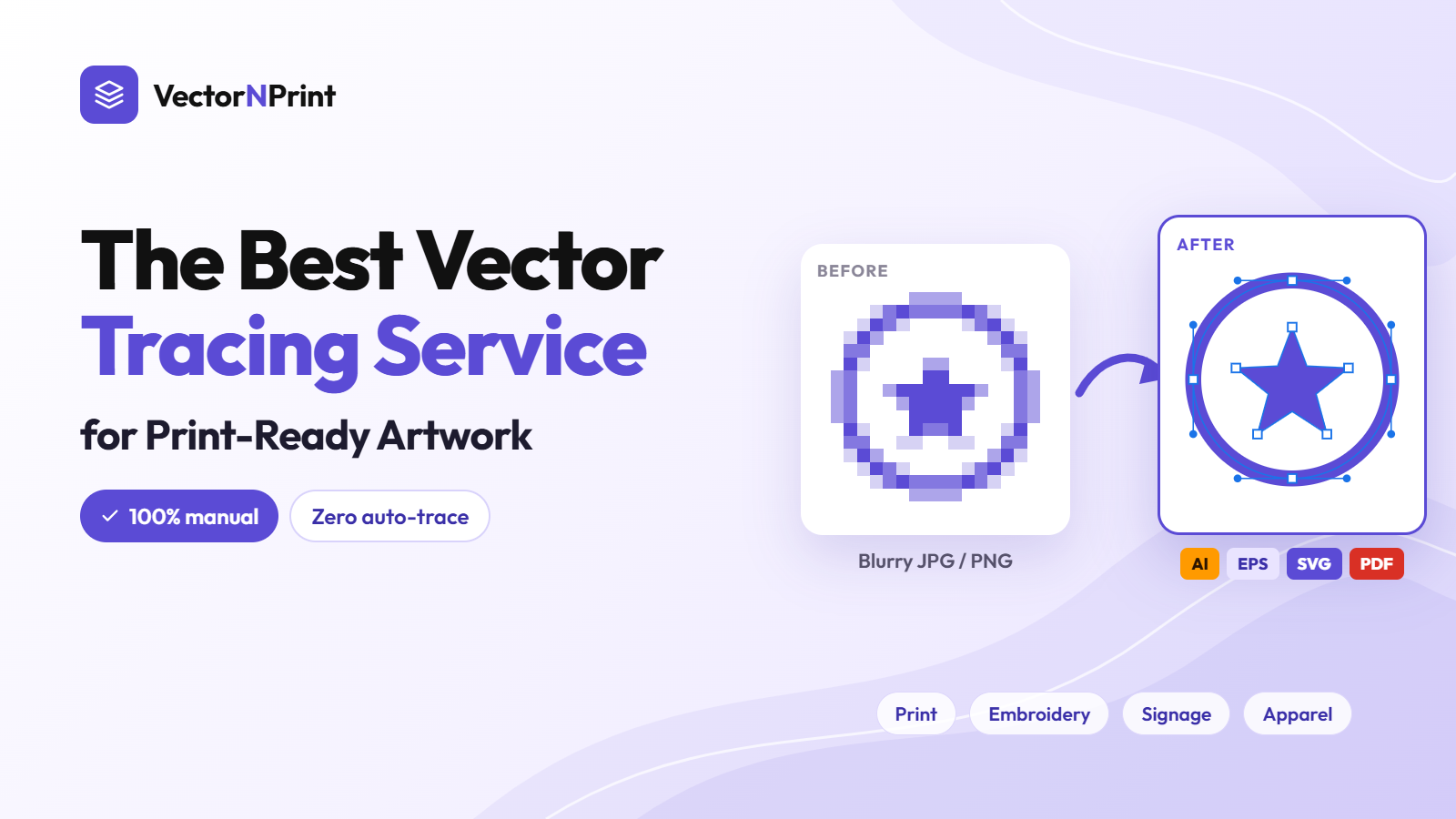
A vector file stores your logo as shapes and lines, not pixels. That means it can be scaled to any size, from a pen to a building, and the edges stay sharp. AI, EPS, SVG and PDF can all hold vector artwork. PNG and JPG cannot: they are raster images, made of a fixed grid of pixels. That is the whole vector vs raster question in one line, and it is also why "SVG vs PNG" matters: SVG scales, PNG does not.
Why printers ask for vector files for printing
Screen printers, sign makers, embroiderers and DTF suppliers need clean shapes and flat colours to set up their machines. A vector file gives them exactly that. A low-res JPG or a screenshot forces them to guess, and that is where wobbly lines and wrong colours come from.
AI-made logos and blurry files
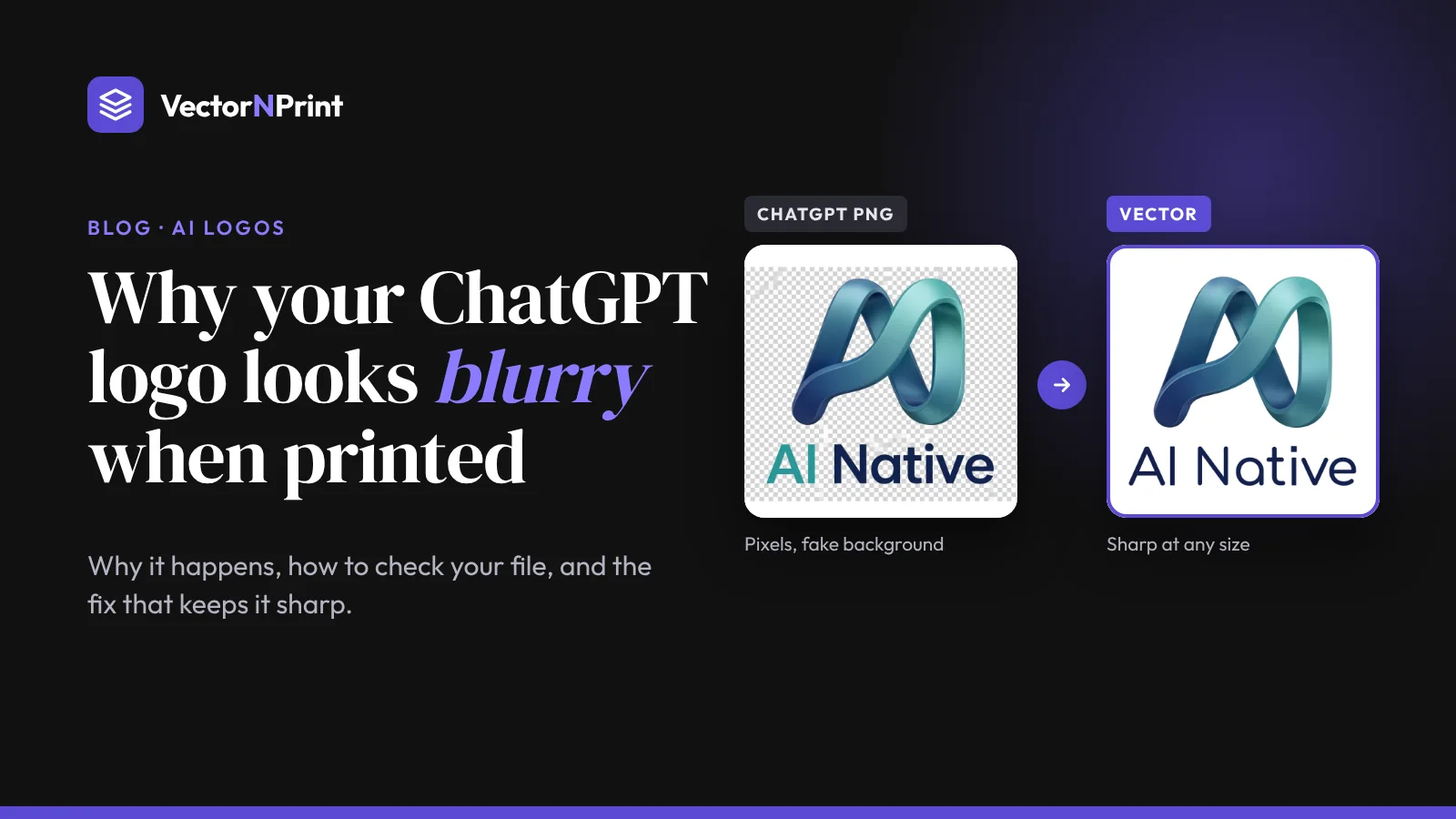
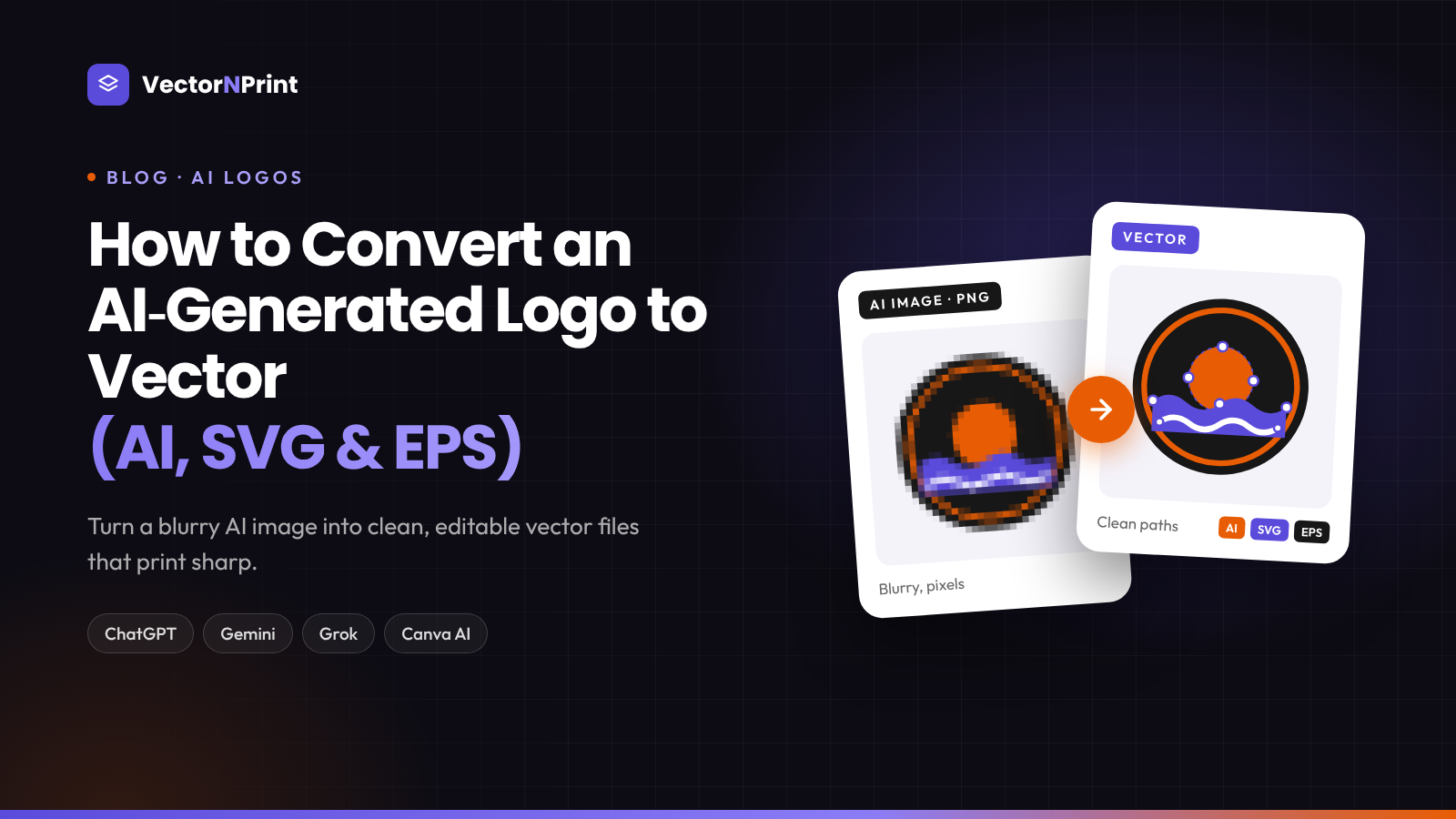
Logos made with ChatGPT, Gemini, Grok or Canva AI are raster images, even when they look clean. To print them well, they need to be redrawn as vector. Our guides show how to check your file, what auto-trace gets wrong, and when a hand redraw is worth it.
Logo file types and print ready files
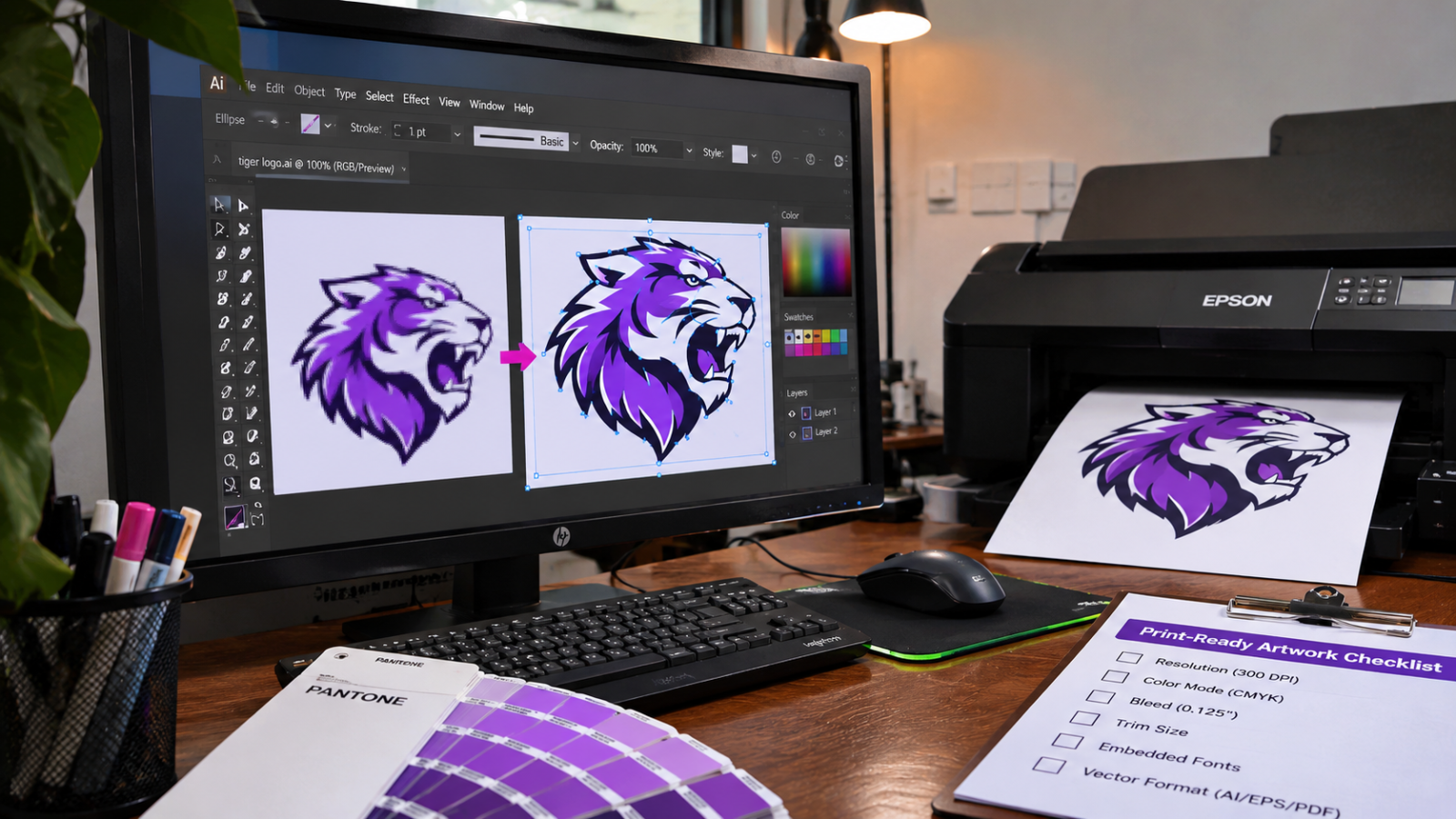
When a printer asks for a print ready file, they usually mean a vector file at the right size, with text turned into outlines and the right colours set. The logo file types table below shows which format each job needs, from AI and EPS for print to DXF for cutting and DST or PES for embroidery.
The guides people read first
AI, EPS, SVG, PDF and PNG: what each one is and when to use it.
Read the guide 02 Which logo file format do I need?The quick answer for printers, sign shops, embroiderers and websites.
Read the guide 03 Why is my ChatGPT logo blurry when printed?What goes wrong with AI-made logos at print size, and how to fix it.
Read the guide 04 Manual vectorization vs auto-traceWhy a hand redraw gives cleaner curves and sharper text.
Read the guide 05 How to prepare print-ready artworkSizes, colours, outlines and bleed: a checklist before you send files.
Read the guide 06 Can a low-resolution image become a vector?What is possible with a small, blurry file, and what to expect.
Read the guideLogo file types at a glance
Your printer asked for "vector" and you are not sure what to send? Here is what each file type is for and who needs it.
The Adobe Illustrator file. Fully editable, with layers. The one designers, printers and manufacturers like best.
An older vector format that almost any print shop, sign maker or supplier can open. Good for sending to vendors.
The vector format for websites, apps and cutting machines like Cricut. Small files that stay sharp on any screen.
Opens on any computer. A vector PDF keeps your logo sharp for business cards, print marketing and email proofs.
A picture with a transparent background. Good for web, social and DTF at 300 DPI. It blurs when enlarged.
A compressed picture with no transparency. Fine for photos and invoices, not for logos you need to print big.
For vinyl cutters, laser engravers and CNC machines. Needs closed, clean paths so the cut follows the shape.
Embroidery machine files. A digitizer makes them from a clean vector of your logo, so start with good vector art.
Vector vs raster: the short version
Vector file questions
What is a vector file?
A file that stores artwork as shapes and lines instead of pixels, so it can be scaled to any size without losing quality. AI, EPS, SVG and PDF can hold vector artwork.
What is the difference between vector and raster?
Vector is made of shapes and stays sharp at any size. Raster, like PNG and JPG, is made of pixels and blurs when you enlarge it. Logos for print should be vector.
SVG vs PNG: which should I use?
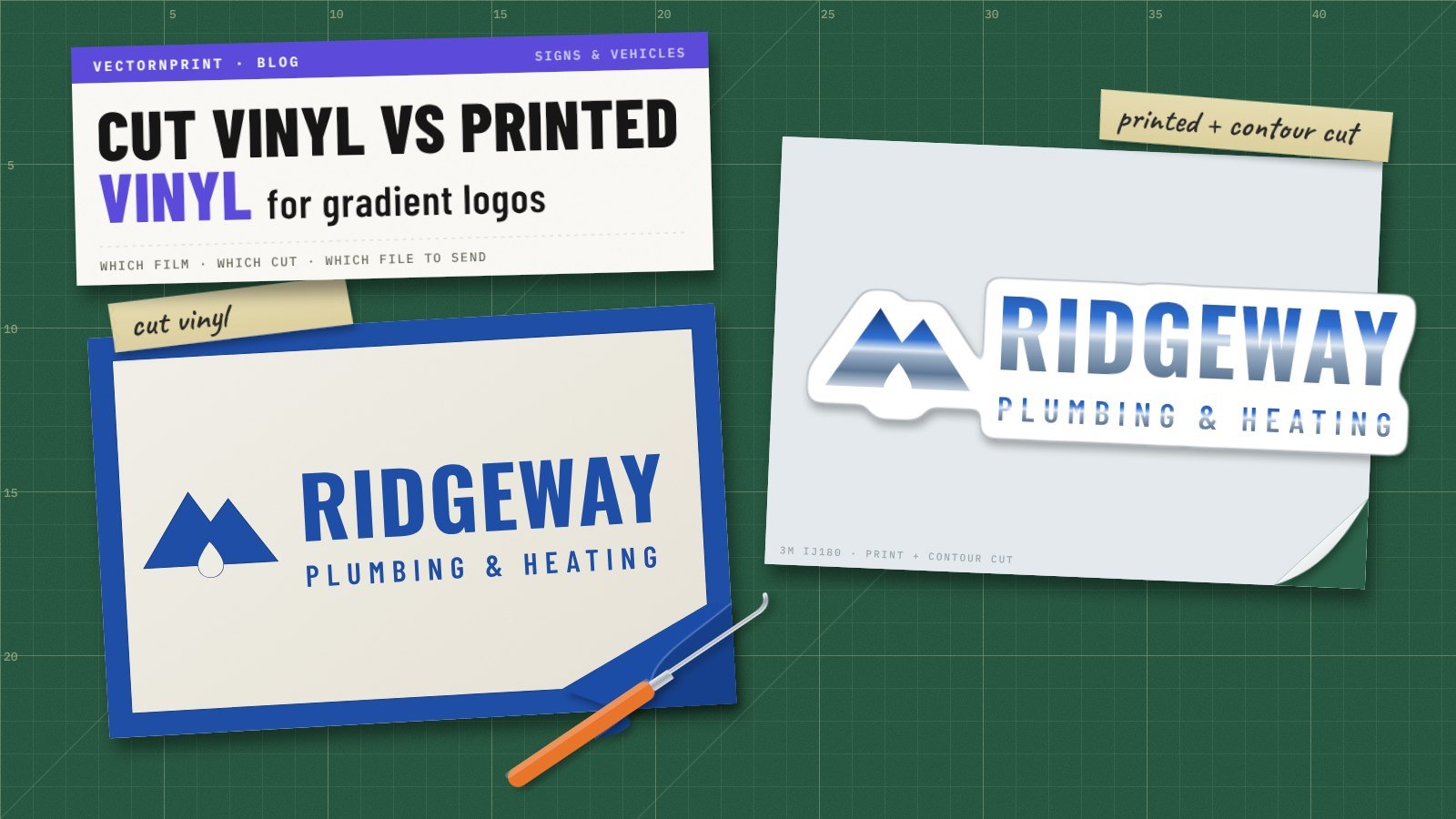
Use SVG when you need a logo that stays sharp at any size, on websites or cutting machines. Use PNG for a picture with a transparent background at a set size, like social posts or a 300 DPI DTF file.
Which logo file types do printers want?
Most printers and sign shops ask for AI, EPS or a vector PDF. Embroidery shops need a clean vector to digitize into DST or PES. Cutters need DXF or SVG. DTF suppliers often want a 300 DPI transparent PNG.
What does print-ready mean?
A print ready file is the right size and in the right colours (for example CMYK or spot colours). Text is turned into outlines and nothing is missing, so the printer can use it straight away.
Is my ChatGPT or Canva AI logo a vector?
No. ChatGPT, Gemini, Grok and Canva AI make raster images, even when they look clean. To print them on shirts, signs or packaging, they need to be redrawn as vector.
Can I just use auto-trace?
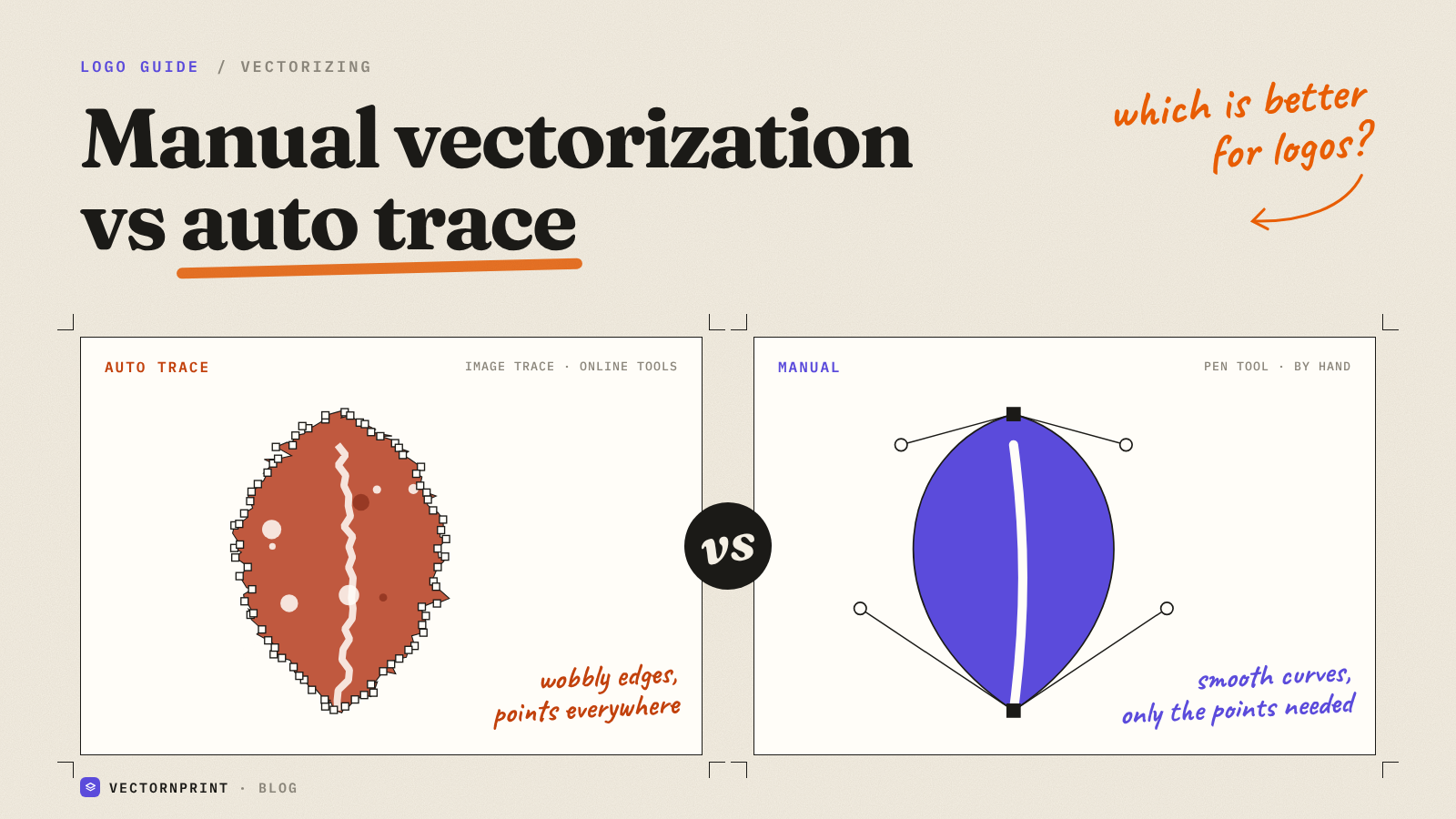
Auto-trace guesses shapes from pixels. On simple shapes it can work. On text, fine lines and AI-made logos it leaves wobbly curves, broken symmetry and extra points. A hand redraw fixes that.
Do you redraw by hand or use auto-trace?
By hand. Every logo is redrawn manually in Adobe Illustrator with clean lines and smooth curves. No auto-trace, no AI.
Will it look exactly the same as my logo?
Yes, that is the job. We keep your shapes, proportions, colours and text as they are, with no redesign. If you want small changes, tell us and we include them in the quote.
How much does a logo redraw cost?
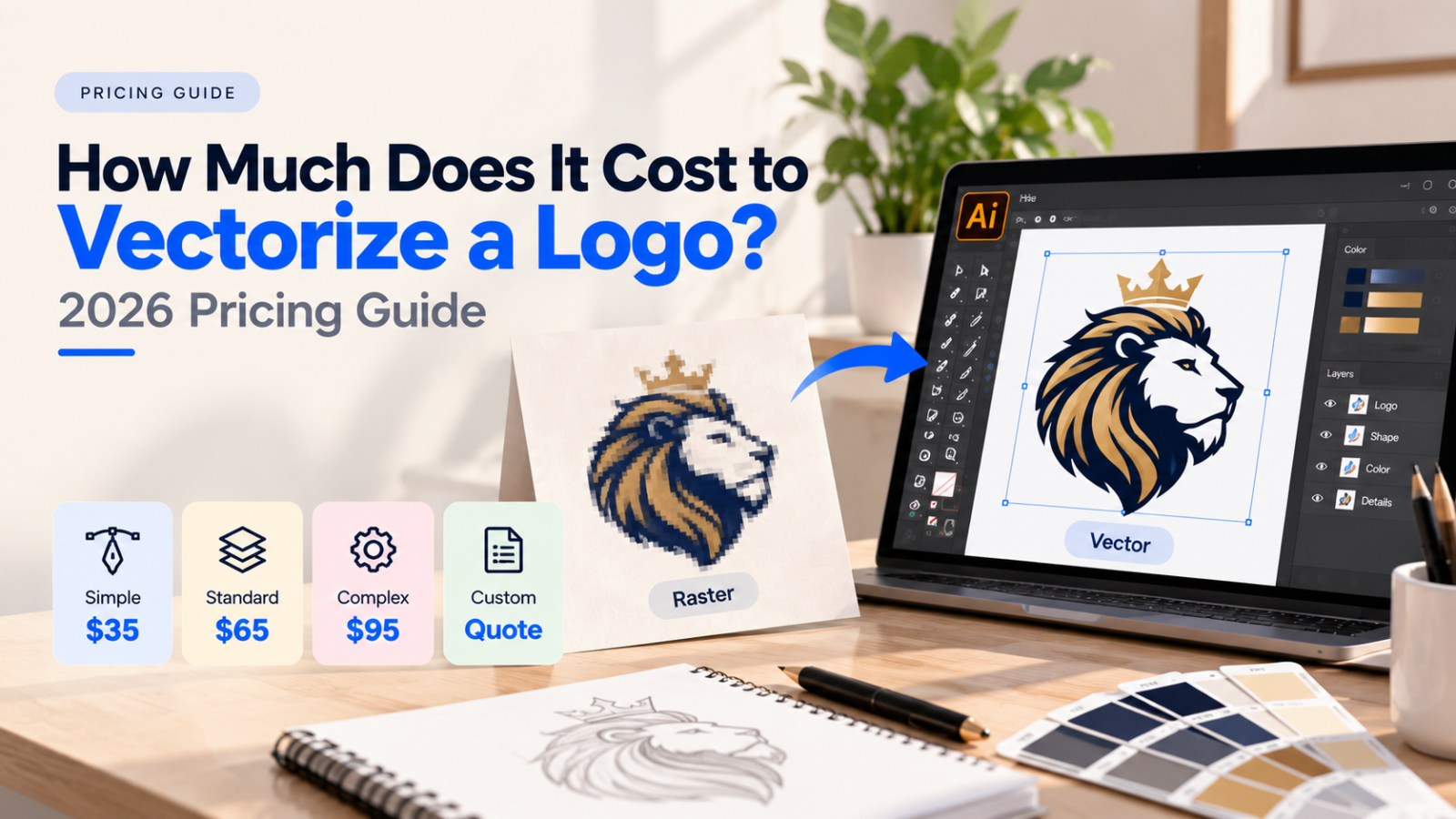
Our plans are Simple from $35, Standard $65 (most orders) and Premium $95. Detailed illustrations, packaging and multi-file jobs are quoted once we see the artwork. The quote is free.
How long does it take?
It depends on how detailed your logo is. Your quote tells you the delivery time before you order. If you need it urgently, say so in your message.
Which files and versions do I get?
Usually AI, EPS, SVG, PDF and PNG, with text turned to outlines. A logo kit can add black, white, one-colour, icon-only, horizontal and stacked versions.
Can I change things after I see the file?
Yes. Send your notes and we correct the details so the redraw matches your original before you sign off.
Can I use the files commercially?
Yes. The redrawn files are yours to use on your products, apparel, signs and print. If you need the terms in writing for a printer or marketplace, ask in your quote request.
Rather have us redraw it?
Send your logo as it is: AI-made, blurry, a screenshot or a brand board. We redraw it by hand in Illustrator, exactly as it is, and deliver the print ready files you need. We reply as soon as possible with a fixed price.
Get a free quote